
Files 6 min read
Create a 3D product with AI and have it printed
Describe an object in three sentences and get a 3D model back: it is possible today, and it is the fastest way to get an idea out of your head. You still need to know what generation gets right, what it gets wrong, and what to check before sending the file to production.
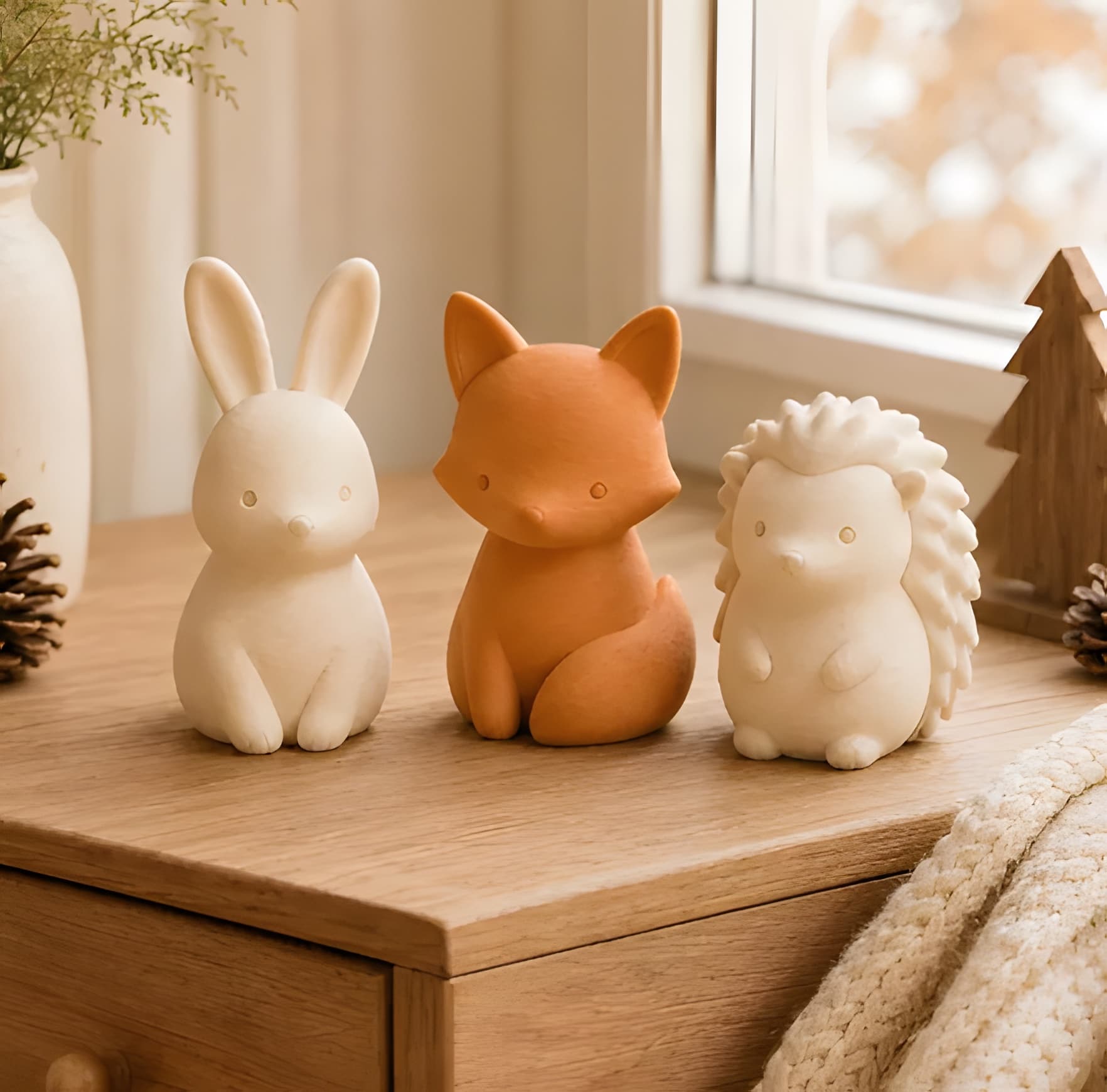
Describe the object instead of modeling it
AI 3D generation replaces the most discouraging step for a seller: opening modeling software. You write what you want in a few sentences, and you get a model you can rotate, correct, then print.
The quality of the result depends mostly on how precise the description is. "A vase" gives you a generic vase. "A cylindrical vase 18 cm tall, 9 cm in diameter, with vertically ribbed walls, a flat base and a 6 cm opening" gives you something usable. Give the dimensions, the overall shape, the function, and what the object must not have.
Generation happens on the create page. An account is required to generate, and each generation costs one credit, bought in packs: 10 generations for €7 or 50 for €29. It is the only part of the site that runs on credits, everything else is paid per order.
What generation does well
AI is effective on organic and decorative shapes: a vase, a figurine, a jewelry holder, a plant pot cover, a wall object. Anything that tolerates a small variation from the original idea works very well.
It is also very useful upstream, for exploring. Generating five variants of the same object in ten minutes costs less than a day of modeling, and lets you pick a direction before investing time.
Finally, it shortens the time to listing: once the model is approved, you have a product to photograph and publish, without depending on an outside modeler.
The limits to know before printing
A generated model is made to look right, not to be manufactured. Most problems come down to a few recurring points, all of which can be checked in a few minutes.
None of them is a blocker if you look at them before ordering. They become one when you discover the defect on the part you receive, a week later.
- Scale: the model often comes out with no real dimensions. You have to set it by hand, in millimeters, before sending it to production.
- Walls that are too thin: a shell a few tenths of a millimeter thick shows on screen but does not print. Plan for at least 1.2 mm for a part that needs to hold up.
- Moving parts: hinges, clips, threads and assembly clearances do not come out functional. They need to be redrawn or replaced with screws.
- Small details: fine engraving, 0.3 mm raised text or lacework disappear in printing. Thicken or remove them.
Always check the scale
It is the most frequent and most costly mistake, because it does not show on screen. The file sent to production must be in millimeters: a model interpreted in centimeters comes out ten times too large, and the price follows the volume.
The habit to build: before ordering, measure a dimension you know, the total height for example, and compare it with what you planned. The simulator shows the detected dimensions of your file, which is enough to spot a factor of ten.
Also remember that the price depends on the volume of material, not the overall size: €0.50 of preparation per part, then €0.033/cm³ for PLA, €0.038/cm³ for PETG, €0.040/cm³ for ABS. A solid object is expensive, the same object hollowed out costs much less.
Touch it up before sending it to production
Between generation and printing, there is almost always a bit of work left. It is rarely modeling, more a matter of fixing a few points, and free software is enough for that.
Plan on half an hour for a simple decorative object. The checks are the same as for any file, whatever its origin.
- Scale it in millimeters and add a flat base so the part sits on the build plate.
- Hollow out the inside: the price follows the volume of material, not the overall size.
- Thicken walls and reliefs that are too thin, remove details that will not come out.
- Check the mesh: closed, no inverted faces, consistent normals. The details are in preparing an STL file for 3D printing.
Who owns the generated model
Two questions overlap. First, your usage rights: they depend on the terms of the service that generated the model, and you need to check that they allow commercial use before putting the product on sale. Read them once, it takes five minutes.
Second, protection of the model itself. Under French law, copyright protection requires an original creation bearing the imprint of a person; an object produced by a machine from a sentence is on uncertain ground. You can sell it, but do not count on easily stopping someone from publishing a similar one.
One last point, common sense: do not ask for a copy of a protected object, a licensed character or a branded part. The fact that the AI agrees to generate it does not make selling it legal.
The file goes to production like any other
Once the model is approved, there is nothing special about it. It joins the production queue exactly like a file you designed or bought: you upload it on the production page and choose the material, quantity and lead time.
The rules are the same: STL or OBJ, 50 MB maximum, in millimeters, from a single part with no minimum order. Production in 7 business days, or 3 days with express at a 30% surcharge. The pricing does not change depending on where the file comes from. If the object comes in several parts, provide one file per part: a lampshade and its base are ordered as two STL files, and assembly is requested in the production note, with the workshop confirming the price before starting.
Shipping can go directly to your end customer, in an unbranded package under your name, for €7.90. In other words, an object imagined in three sentences in the morning can be a product on sale in the evening: the rest of the process is described in selling 3D printed products without a printer.
Frequently asked questions
- Can you really create a printable 3D model with AI?
- Yes, as long as you treat the result as a starting point. Generation gives you a coherent shape in a few minutes, but scale, wall thickness and small details almost always need touching up. For a decorative object, the remaining work takes minutes rather than hours.
- How should I describe an object to get a good 3D model?
- Give the overall shape, the function, the approximate dimensions and what the object must not include. A description of three or four precise sentences is better than a single keyword. If the first result does not fit, rephrase by correcting one aspect at a time rather than rewriting everything.
- Am I allowed to sell an AI-generated object?
- Your usage rights depend on the terms of the generation service: check that commercial use is allowed before publishing the product. Protection of the model itself remains uncertain under French law, where copyright requires an original creation by a person. And generating a copy of a protected object or a licensed character still cannot be sold.
- Why does my generated model come out at the wrong size?
- Because a generated model often carries no real dimensions: it is up to you to set them before ordering. The file must be expressed in millimeters, otherwise the object can come out ten times too large or too small. Check a known dimension, such as the total height, before confirming.
- How much does AI 3D generation cost on the site?
- Each generation costs one credit, and credits are bought in packs: 10 generations for €7 or 50 for €29. An account is required to generate. It is the only part of the service that runs on credits, printing and shipping are paid per order, with no subscription.